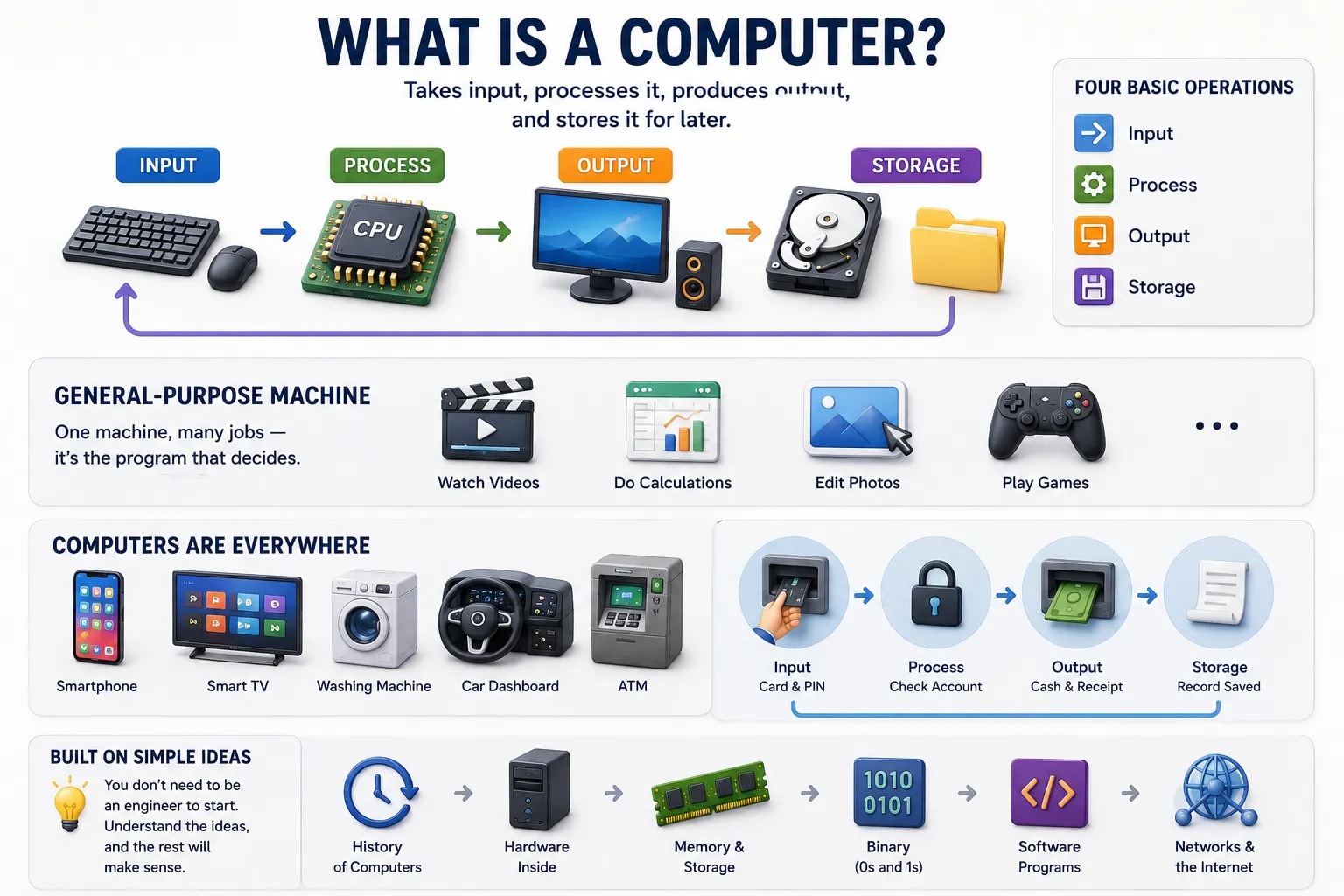
A computer is a machine that takes in information, follows a set of instructions to work with that information, and produces a result. That’s it — everything else you’ll learn about computers, from the phone in your pocket to the servers running a website, builds on this one idea.
You might picture a desktop PC when you hear the word "computer," but the real definition is broader. A computer is any device that can accept input, process it according to a set of stored instructions (called a program), and produce output — automatically, and without a human redoing the work by hand each time.
A calculator can do arithmetic, but it can only do arithmetic — you can’t teach it to do something new. A computer, on the other hand, can be given a completely different program and do a completely different job. That difference — the ability to run different programs — is what separates a computer from every other machine.
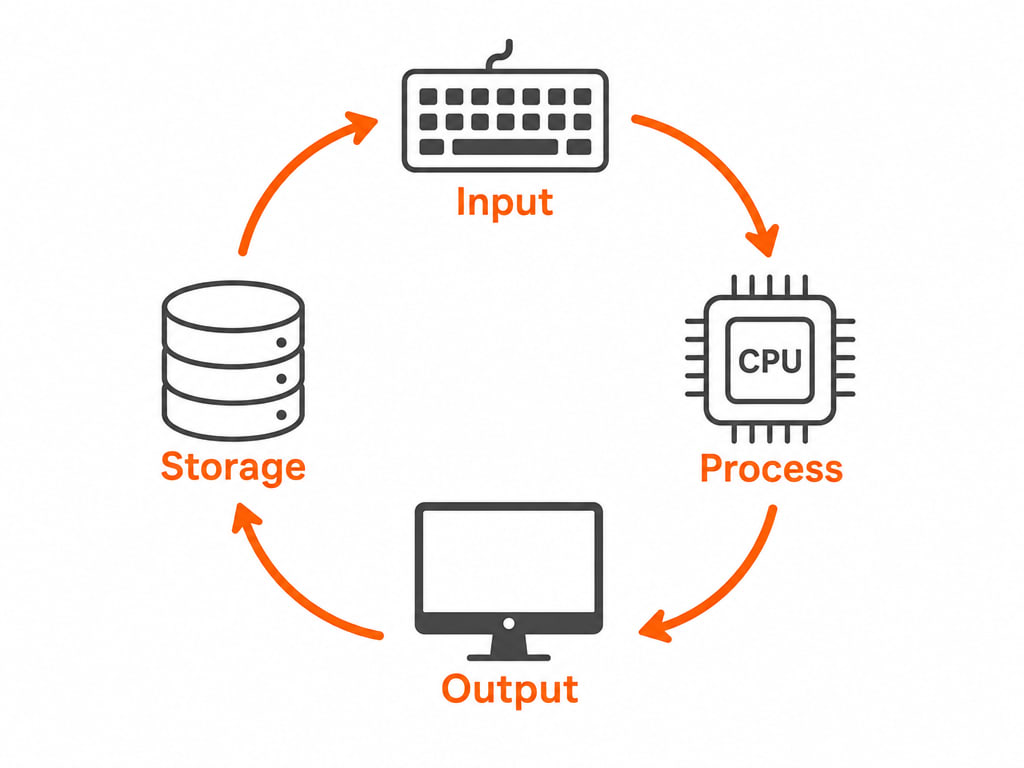
Every computer, no matter how simple or powerful, is built around four basic operations:
| Operation | What it means | Example |
|---|---|---|
| Input | Getting information into the computer | Typing on a keyboard, clicking a mouse, scanning a barcode |
| Process | Working with that information according to instructions | Calculating a total, checking a password, resizing a photo |
| Output | Sending a result back out so a person can use it | Text appearing on a screen, a document printing, a song playing |
| Storage | Keeping information for later, even after the power is off | Saving a file, remembering your saved passwords |
This is the single most important idea in this whole section: a computer is a general-purpose machine. The exact same hardware that plays a video can also add up a spreadsheet, edit a photo, or run a game — because what the computer actually does is entirely decided by which program is currently running, not by anything physically different inside the machine.
This is why installing new software can make an old computer do something it has never done before, without a single physical part being added or changed. You are not changing the computer — you are changing its instructions.
Once you know what to look for, computers turn out to be almost everywhere, not just on a desk:
You don’t need to be an engineer to start
You do not need to understand how a processor works at the chip level to use a computer well, or even to become good at it. Understanding the ideas in this section — input, process, output, storage, and "general-purpose" — is what actually makes the rest of computing make sense, and that’s exactly what the lessons that follow build on.
The rest of Computer Basics walks through each piece of this picture in order: how computers have changed over time, the physical hardware inside one, how it remembers and stores information, how it "thinks" using nothing but two digits, the software that tells it what to do, and how millions of computers talk to each other over a network — including the one you’re using to read this page.