Being connected to a network, as covered in the last two lessons, brings a real risk alongside the convenience: other people on that same internet trying to access your data, your accounts, or your device without permission. Cybersecurity is the practice of protecting computers, networks, and data from exactly that. This lesson covers the everyday habits that matter most.
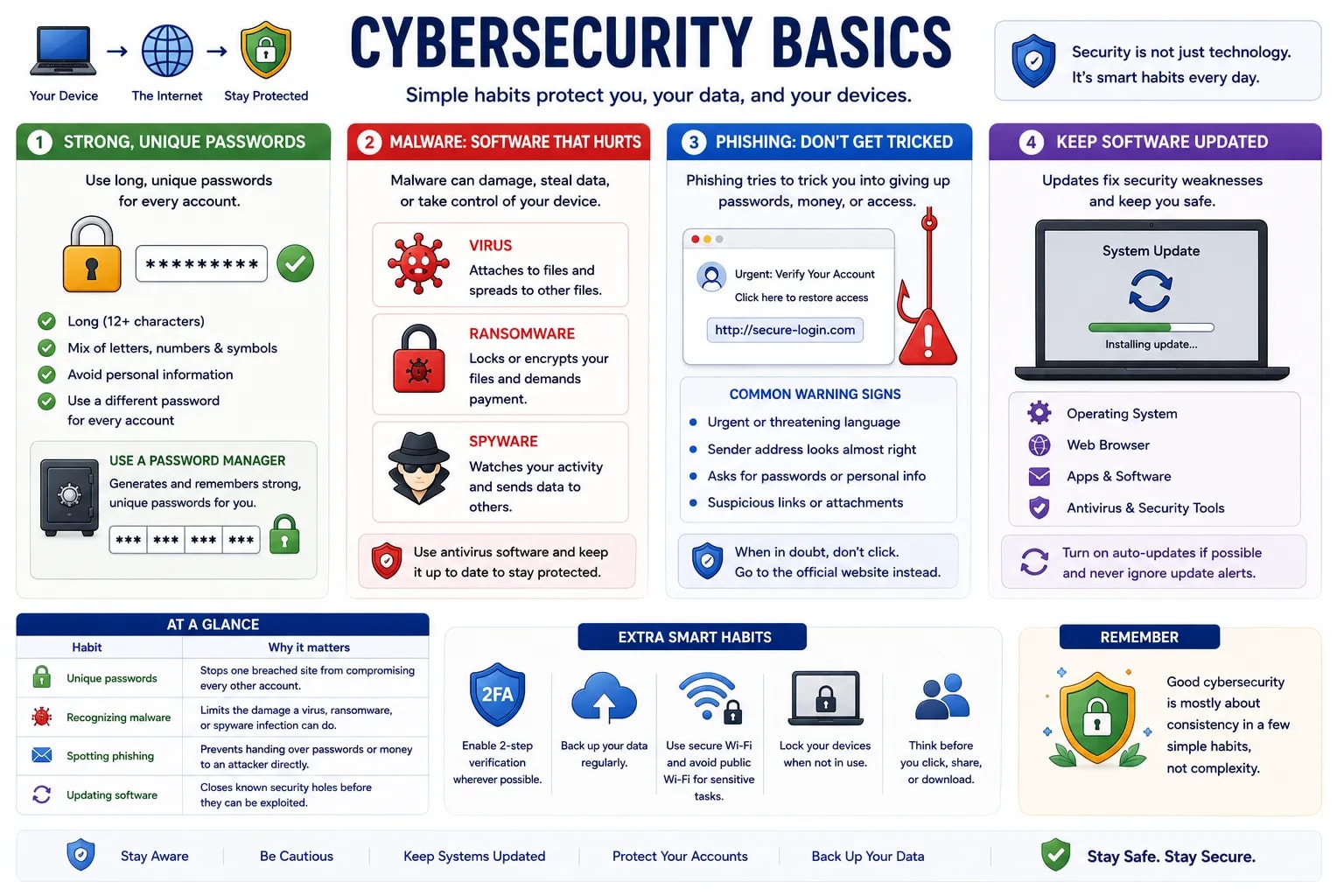
A weak password is one of the easiest ways into an account, so a strong one should be long, avoid obvious words or personal details like a birthday, and mix letters, numbers, and symbols. Just as important: use a different password for every account. If you reuse one password everywhere and a single site is ever breached, every other account using that same password becomes vulnerable too. A password manager — software that generates and remembers strong, unique passwords for you — makes this realistic to actually do.
Malware (short for "malicious software") is any program written to damage a device, steal data, or gain unauthorized access. It comes in several common forms: a virus attaches itself to legitimate files and spreads when they are shared; ransomware locks or encrypts your files and demands payment to release them; and spyware quietly watches what you do and reports it back to someone else. Antivirus software (a type of utility software, covered in the software lesson) helps detect and remove these threats.
Malware comes in several specific forms beyond the three above — knowing their names helps you recognize a threat when you read about one:
| Type | What it does |
|---|---|
| Virus | Attaches itself to a legitimate file or program and spreads when that file is shared or run. |
| Worm | Copies itself across a network on its own, without needing to attach to a file or wait for someone to run it. |
| Trojan (Trojan Horse) | Disguises itself as legitimate software to trick you into installing it, then opens a hidden way in for an attacker. |
| Ransomware | Locks or encrypts your files and demands payment to release them. |
| Spyware | Quietly monitors what you do — keystrokes, browsing, screenshots — and sends it to someone else. |
| Adware | Floods your device with unwanted ads, often bundled inside free downloads. |
| Keylogger | Records every key you press, aiming to capture passwords and card numbers. |
| Rootkit | Buries itself deep in the operating system to hide other malware and keep an attacker's access alive. |
| Botnet malware | Secretly turns your device into one of many "bots" an attacker controls remotely, often to attack other targets. |
| Scareware | Shows a fake warning ("Your PC is infected!") to scare you into installing more malware or paying for fake protection. |
| Fileless malware | Runs entirely in memory using trusted system tools, leaving no file behind for antivirus software to scan. |
Phishing is a fake message, usually an email or text, designed to trick you into revealing a password, clicking a dangerous link, or sending money — by pretending to be a bank, a colleague, or a service you actually use. Common warning signs include an urgent or threatening tone, a sender address that looks almost-but-not-quite right, and a request for information a legitimate organization would never actually ask for over email.
Software updates often exist specifically to patch security weaknesses that have been discovered since the last version — postponing an update doesn't just delay new features, it leaves a known door unlocked. Keeping your operating system, browser, and apps up to date is one of the simplest, most effective habits in this entire lesson.
| Habit | Why it matters |
|---|---|
| Unique passwords | Stops one breached site from compromising every other account |
| Recognizing malware | Limits the damage a virus, ransomware, or spyware infection can do |
| Spotting phishing | Prevents handing over passwords or money to an attacker directly |
| Updating software | Closes known security holes before they can be exploited |
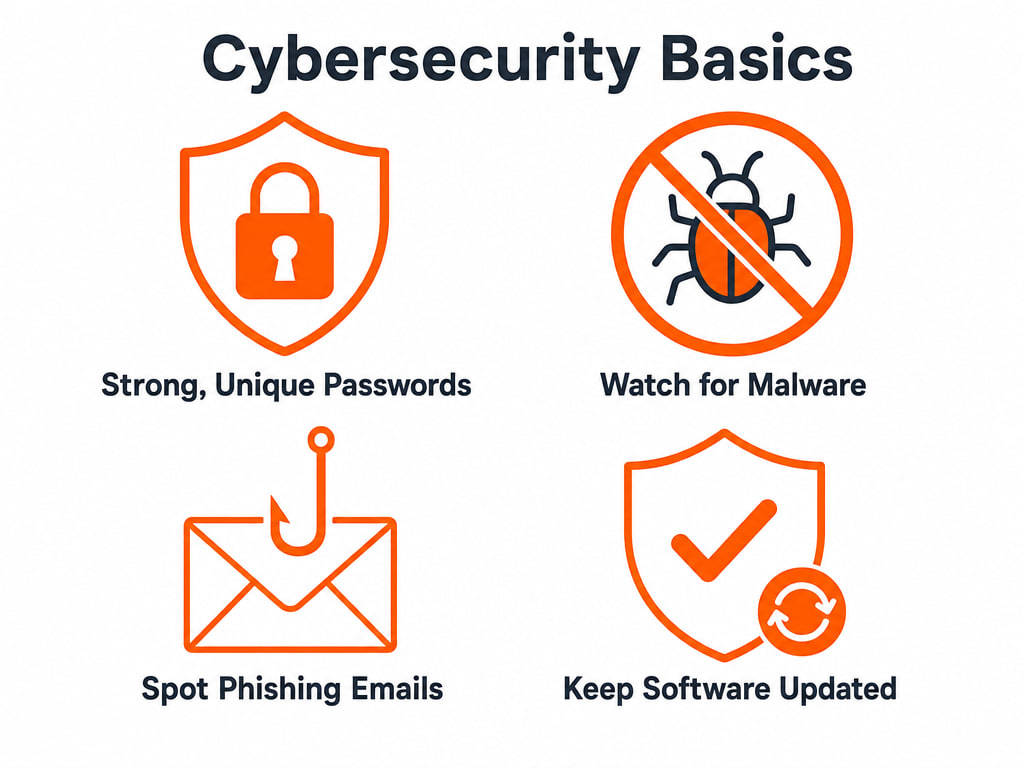
Safety Here Is About Habits, Not Expertise
None of this requires deep technical knowledge — the habits above are the same ones security professionals rely on themselves. Good cybersecurity is mostly about consistency in a few simple habits, not complexity.
You have now covered how computers work, how they connect, and how to stay safe while using them. The final lessons in this section zoom out even further, to where computers show up in daily life and where computing is headed next.