The Computer Memory lesson drew a line between primary memory (fast, temporary — RAM, ROM, cache) and secondary storage (permanent, but slower). This lesson is a closer look at that second category: the devices that hold your files even when the computer is completely switched off.
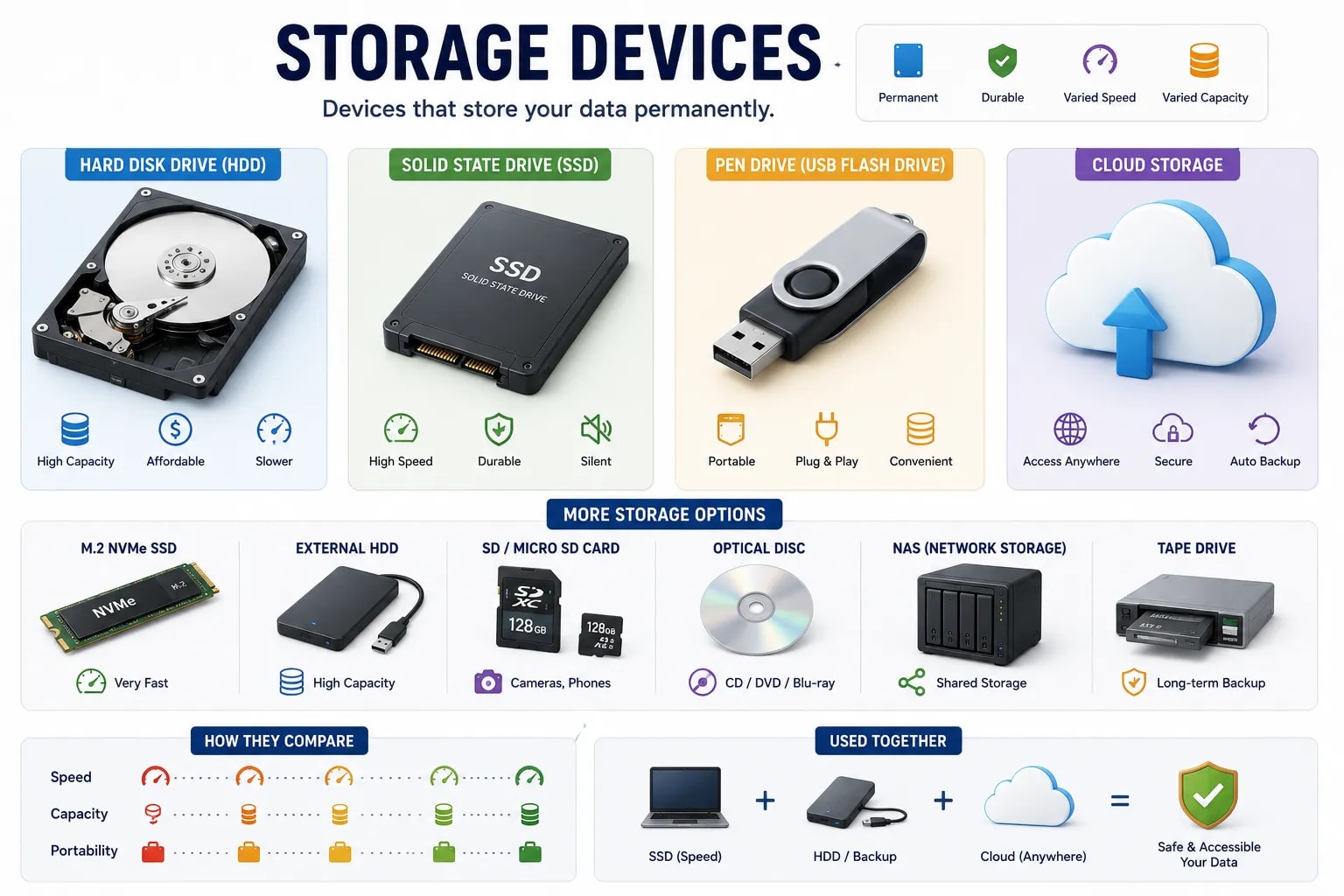
A hard disk drive stores data magnetically on a spinning metal disk (called a platter), read and written by a moving arm — similar in principle to how a record player reads a vinyl record. HDDs offer a lot of storage space for a relatively low cost, which is why they are still common in desktop computers and external backup drives, but the moving parts make them slower than newer alternatives and more vulnerable to damage from drops or shocks.
A solid-state drive stores data electronically in flash memory chips, with no moving or spinning parts at all. This makes SSDs significantly faster than HDDs, more resistant to physical shock, and quieter — which is why most modern laptops now use an SSD instead of an HDD as their main drive. The trade-off is cost: SSD storage is generally more expensive per gigabyte than HDD storage.
A pen drive (also called a USB flash drive or thumb drive) uses the same flash memory technology as an SSD, packed into a small, portable stick that plugs directly into a USB port — useful for moving files between computers or keeping a portable backup. Memory cards (like the SD cards used in cameras) work on the same underlying technology, just in a smaller, different physical format built for devices like cameras and some phones.
Cloud storage keeps your files on servers owned and maintained by a company, accessed over the internet rather than sitting on a physical device you carry around. This means you can reach your files from any device with an internet connection, and the storage provider typically handles backups for you. The trade-off is that you need an internet connection to access your files, and you are trusting another company to keep them safe.
| Device | How it stores data | Best for |
|---|---|---|
| HDD | A spinning magnetic disk | Large amounts of storage at low cost |
| SSD | Flash memory chips, no moving parts | Speed and durability |
| Pen drive | Flash memory in a portable stick | Moving files between computers |
| Cloud storage | Remote servers, accessed online | Access from anywhere, automatic backup |
Most People Use More Than One
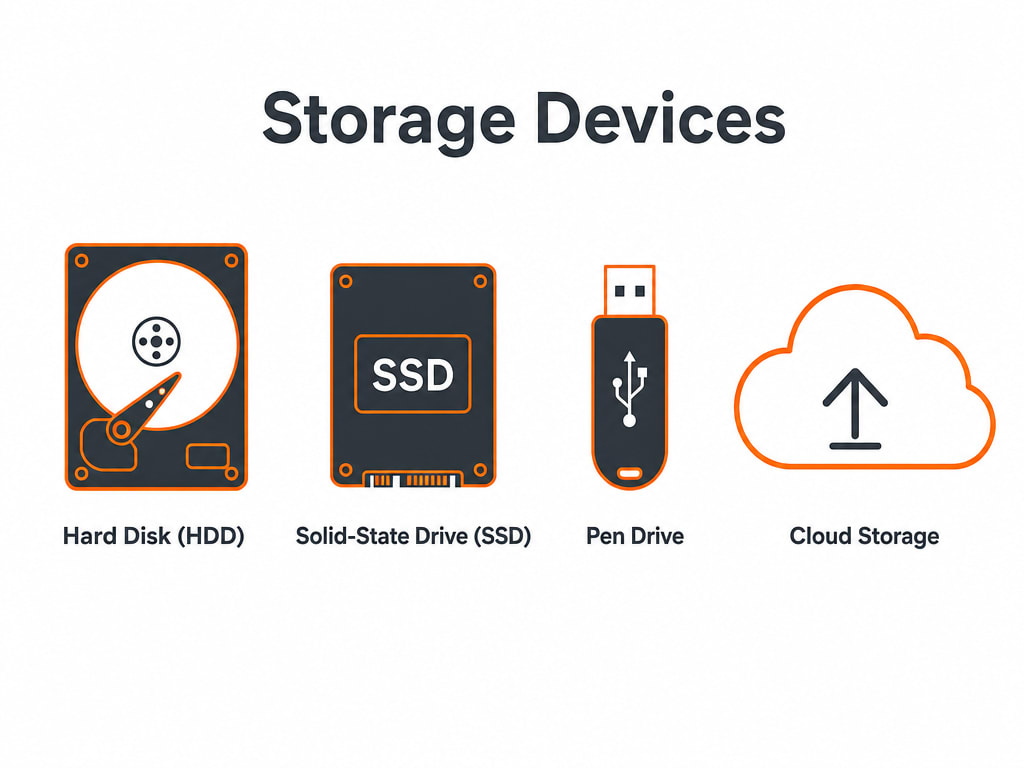
None of these are mutually exclusive — most people today use several at once: an SSD as the computer's main drive for speed, an HDD or pen drive for extra backup space, and cloud storage to keep the most important files reachable from any device.
You now know both halves of how a computer handles data — memory while it works, storage for the long term. The next lesson steps back to look at something more fundamental: the binary number system every one of these devices actually stores data in.