Every piece of data a computer works with — text, images, sound, video, the programs themselves — is ultimately stored and processed as numbers. This lesson looks at the different number systems involved: the decimal system you already use every day, the binary system a computer actually runs on, and hexadecimal, a shorthand humans use to make binary easier to read.
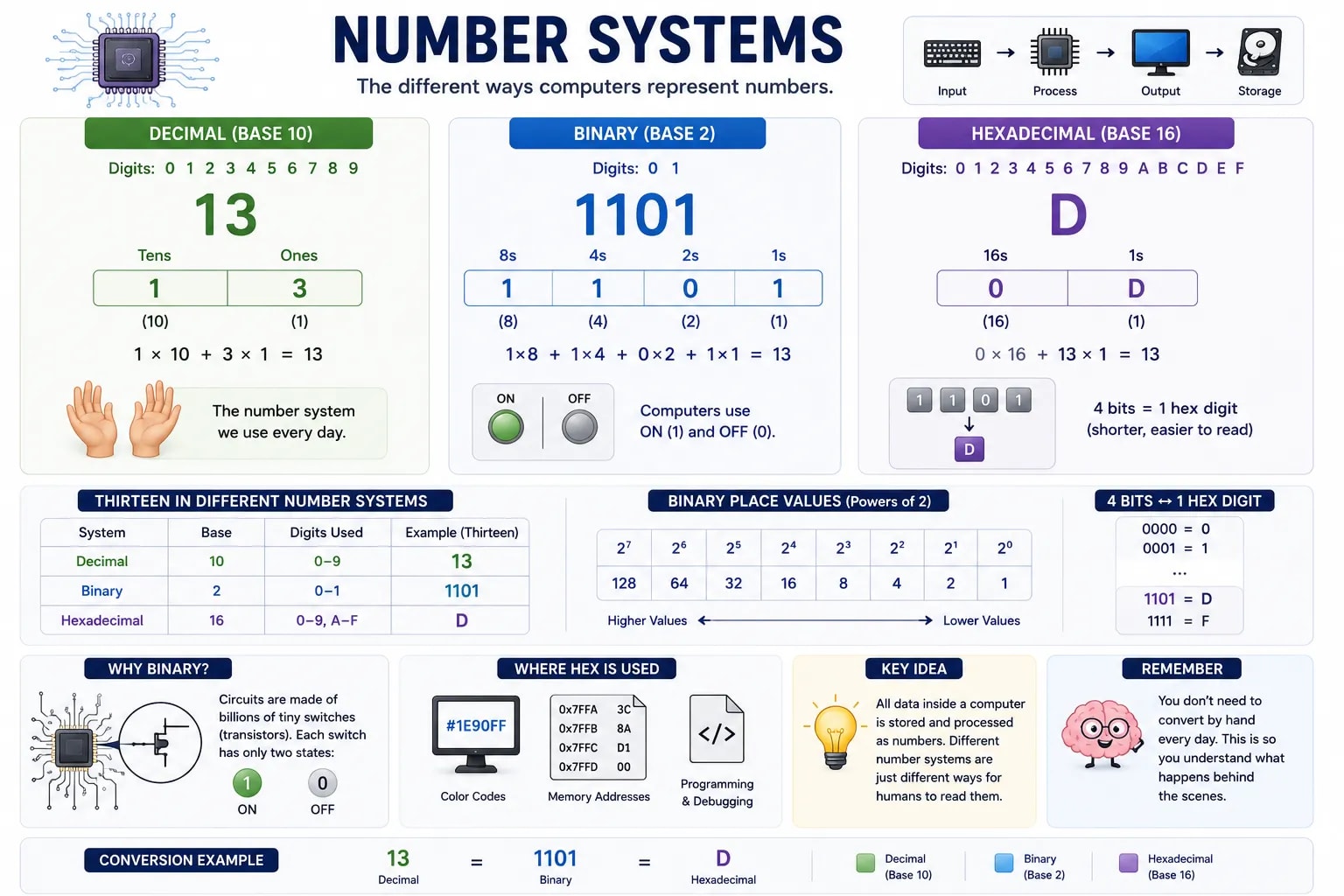
The number system people use in everyday life is decimal, or base 10 — it has ten possible digits (0 through 9) in each position, and each position represents a power of ten. In the number present, moving right to left, each place is worth ten times the one before it: ones, tens, hundreds, and so on. You already do this automatically without thinking about it; base 10 is simply the number of digits humans have on their hands.
Binary, or base 2, has only two possible digits in each position: 0 and 1. Each of these digits is called a bit (short for "binary digit"). Instead of place values based on powers of ten, binary place values are based on powers of two: ones, twos, fours, eights, sixteens, and so on, doubling each time you move left.
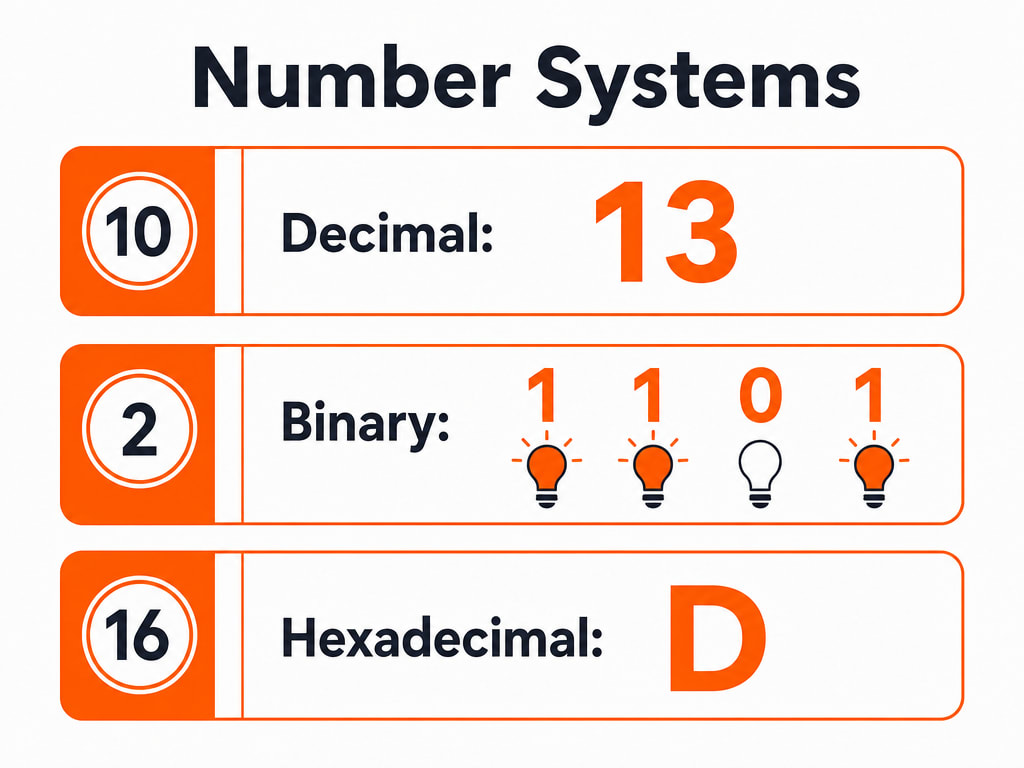
For example, the binary number 1101 means one eight, one four, no twos, and one one — added together, that's 8 + 4 + 0 + 1, which equals 13 in decimal.
A computer's circuits are built from billions of tiny electronic switches called transistors, and a switch only has two reliable states: on or off. Binary's two digits map perfectly onto this — 1 for "on," 0 for "off" — which makes it simple, fast, and extremely reliable to build in hardware. Trying to reliably detect ten different voltage levels (to match decimal) in a tiny, fast circuit would be far harder and much more error-prone than detecting just two.
Long strings of 1s and 0s are hard for humans to read and easy to mistype, so programmers often use hexadecimal, or base 16, as a more compact stand-in for binary. Hexadecimal uses sixteen digits: 0 through 9, then the letters A through F to represent the values 10 through 15. Because 16 is a power of 2, exactly four binary digits always convert cleanly into a single hexadecimal digit, which is why hex shows up in places like color codes in design software and memory addresses in programming.
The number thirteen, written in each system:
| System | Base | Digits used | Example (thirteen) |
|---|---|---|---|
| Decimal | 10 | 0–9 | 13 |
| Binary | 2 | 0–1 | 1101 |
| Hexadecimal | 16 | 0–9, A–F | D |
You Won’t Need to Do This by Hand Day to Day
You do not need to convert numbers between these systems by hand to use a computer well — this lesson exists so that terms like "bit," "binary," and "hex code" make sense the next time you run into them, not to turn you into a human calculator.
You have now covered how a computer stores and represents data at its most fundamental level. The next lesson moves up a level, to software — the instructions that tell all this hardware what to actually do.