The previous lesson placed the operating system at the top of system software — the most important piece of software on any computer. This lesson looks at what an operating system actually does, and the major families you will encounter.
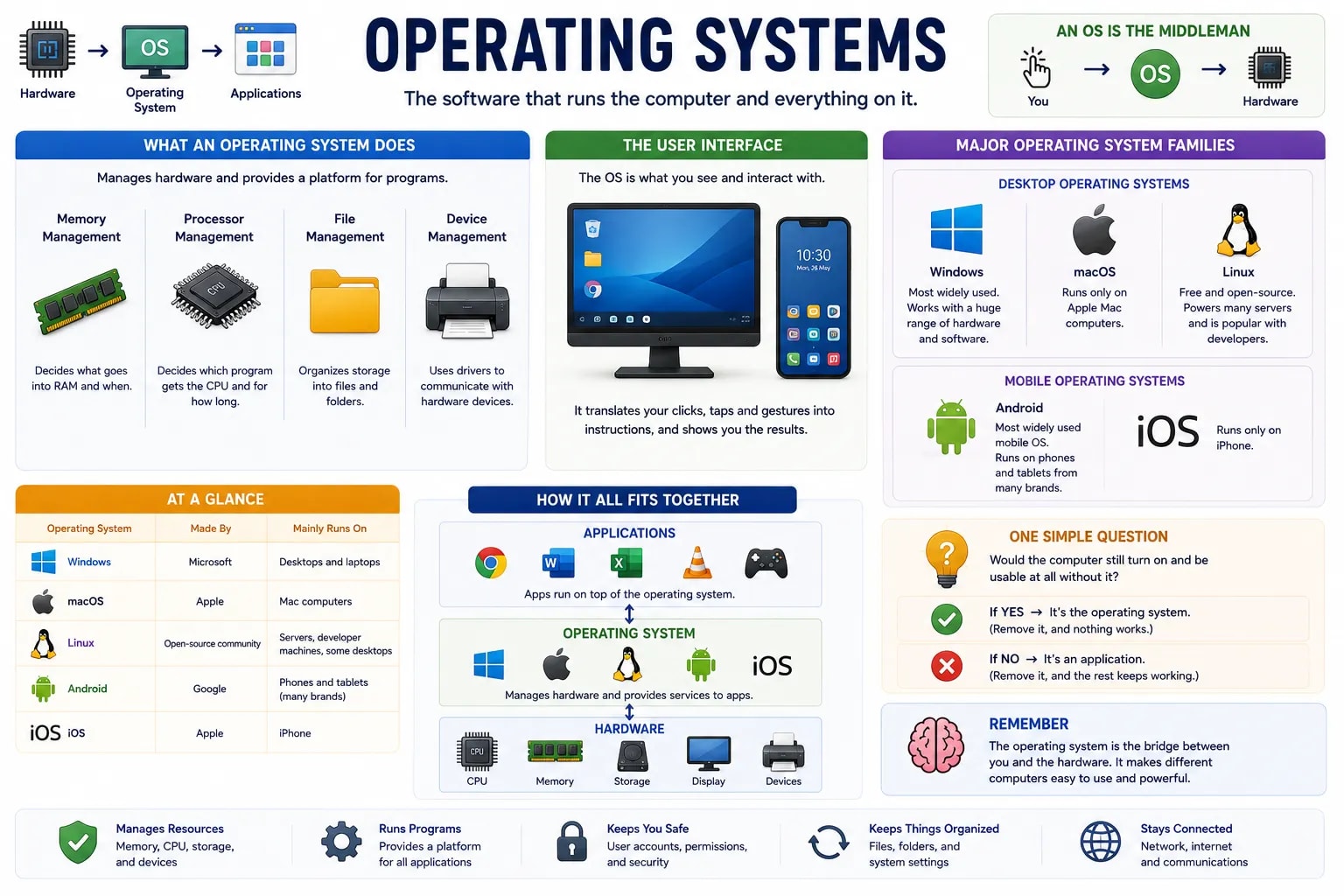
An operating system (OS) is the software that manages a computer's hardware and provides a common platform for every other program to run on. Without one, every single app would need to know how to talk directly to your exact model of CPU, memory, storage, and screen — an impossible task, since no two computers are built identically. The OS handles four core jobs: managing memory (deciding what goes into RAM and when), managing the processor (deciding which program gets the CPU's attention and for how long), managing files (organizing storage into files and folders), and managing devices (using drivers to talk to hardware like printers and webcams).
The operating system is also what you actually see and interact with — the desktop, the icons, the taps and swipes on a phone. This visual layer is called the user interface, and it is the OS translating your clicks and taps into instructions the hardware can carry out, and translating the computer's responses back into something you can see and understand.
Windows, made by Microsoft, is the most widely used desktop operating system, known for broad compatibility with hardware and software. macOS, made by Apple, runs exclusively on Apple's own Mac computers and is known for tight integration between hardware and software. Linux is a free, open-source operating system that anyone can inspect, modify, and distribute — it powers a large share of the world's servers and is popular with developers, even though it is less common on everyday desktop computers.
Android, made by Google, is the most widely used mobile operating system worldwide and runs on phones and tablets from many different manufacturers. iOS, made by Apple, runs exclusively on the iPhone, mirroring the same closed, tightly integrated approach macOS takes on the desktop.
| Operating system | Made by | Mainly runs on |
|---|---|---|
| Windows | Microsoft | Desktops and laptops |
| macOS | Apple | Mac computers |
| Linux | Open-source community | Servers, developer machines, some desktops |
| Android | Phones and tablets (many brands) | |
| iOS | Apple | iPhone |
One Question Tells You What Is the OS
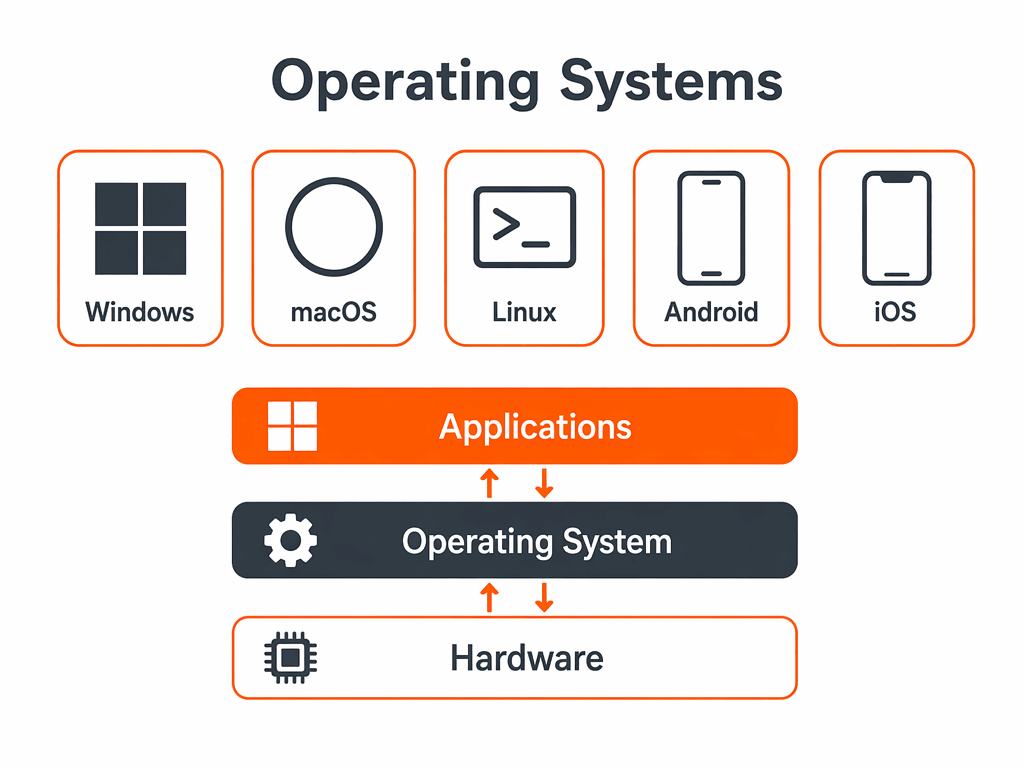
You can usually tell if something is the operating system itself, versus an app running on it, by asking one question: would the computer still turn on and be usable at all without it? Remove Windows or Android and nothing works. Remove a single app, like a calculator, and everything else keeps running fine.
You now have a complete picture of how computers handle instructions, from raw hardware up through the operating system that manages it. The next lesson moves outward, to how individual computers connect and talk to each other over a network.