The previous lesson covered input — how information gets into a computer. This lesson covers the opposite direction: output, the hardware that sends a result back out so a person can actually see, hear, or hold it. Every input eventually leads to some output; this is where the four-operation cycle from the first lesson finishes.
An output device is any piece of hardware that presents information coming from the computer to a person. The direction is the whole test: a keyboard sends data in, so it is input; a monitor displays data that came from the computer, so it is output. Some devices, as you will see below, manage to do both.
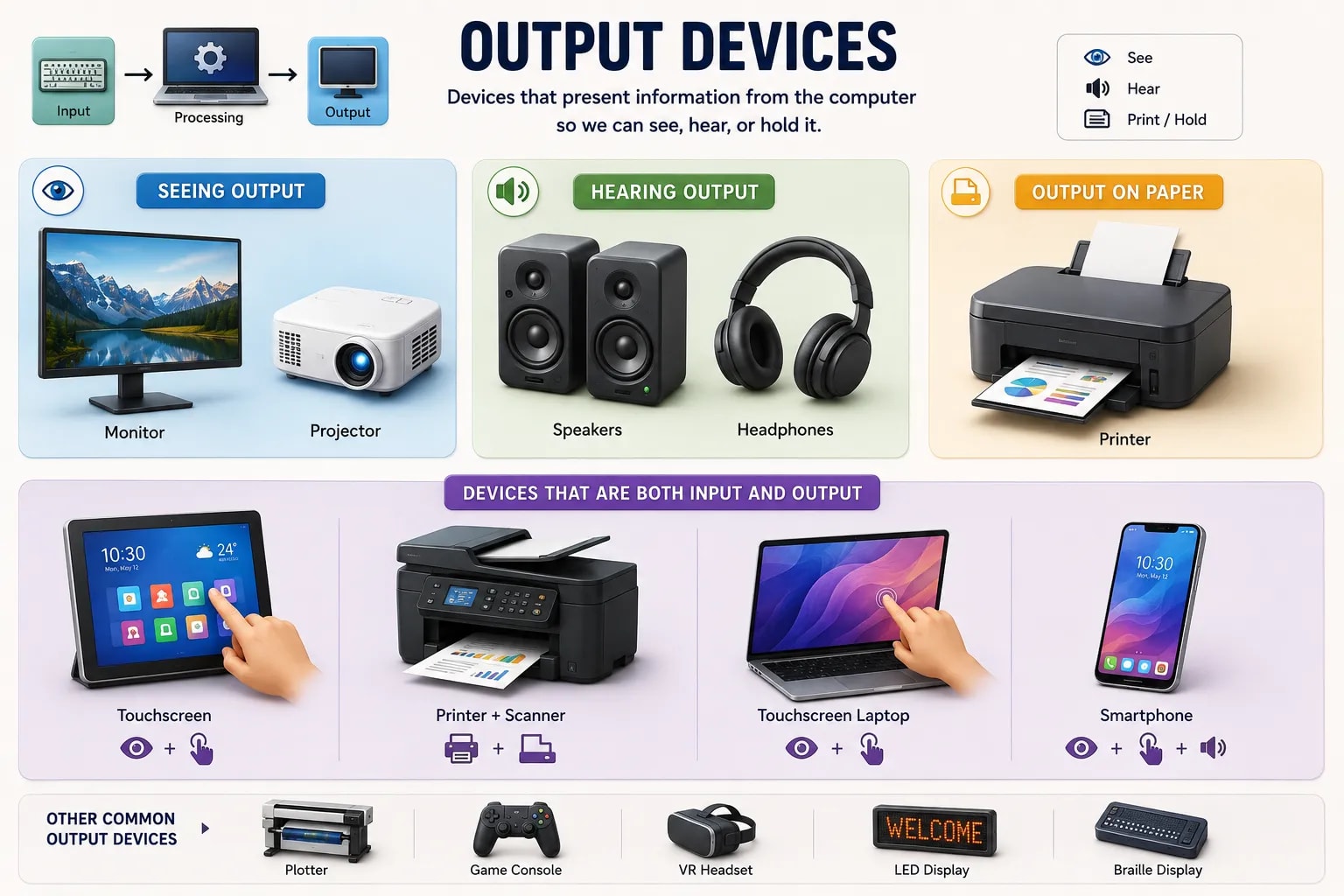
The monitor (or built-in screen on a laptop or phone) is the most common output device — it displays text, images, and video by lighting up millions of tiny points called pixels. A projector does the same basic job at a much larger scale, shining an image onto a wall or screen so a room full of people can see it at once, commonly used for presentations and classrooms.
Speakers and headphones both convert a computer's digital audio signal back into sound waves you can hear — the only real difference is that speakers share sound with a whole room while headphones keep it private to one listener. This is how music, videos, voice calls, and notification sounds all reach your ears.
A printer is the main way a computer produces a permanent, physical copy of a document or image — turning a digital file into something you can hold, file away, or hand to someone else. Unlike a screen, printed output does not disappear when the power turns off, which is exactly why paper is still used for contracts, receipts, and official documents.
A few devices don't fit neatly into just one category. A touchscreen displays output while also accepting taps as input, in one piece of hardware. A modern printer that also scans combines an output device (printing) and an input device (scanning) in a single machine. When you look at a device like this, it helps to think about each of its jobs separately rather than trying to label the whole device as only "input" or only "output."
| Device | What it produces | Common use |
|---|---|---|
| Monitor / screen | Visual display | Viewing text, images, and video |
| Projector | A large projected image | Presentations, classrooms, home theaters |
| Speakers | Sound, shared with a room | Music, videos, calls |
| Headphones | Sound, private to one listener | Music, calls, focused listening |
| Printer | A physical, permanent copy | Documents, receipts, photos |
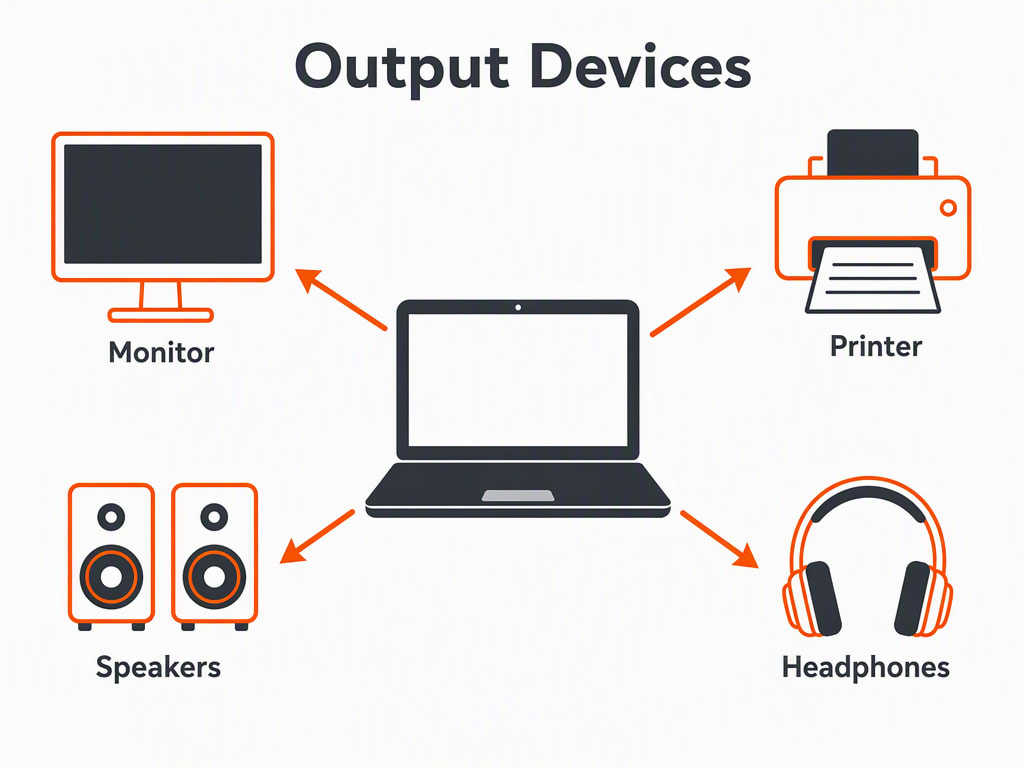
Input and Output Are Two Halves of One Conversation
Input and output together are the two halves of how you and a computer communicate with each other: input carries your instructions in, and output carries the computer's response back out. Everything a computer does between those two moments is the "process" step covered in this section's later lessons.
Now that you've seen how information moves in and out of a computer, the next lesson goes back inside the machine to look at memory — where a computer keeps information while it is working with it.