

Once you know several AI tools exist, the next real question is: which one should you actually use? This lesson covers the dimensions that matter and the major families available today — without pinning to specific version numbers or prices, since those change every few months.
Different AI models are built with different strengths — one may be better at long, nuanced writing, another at coding, another at handling images and video alongside text. Professionals commonly keep accounts on more than one platform and switch depending on the task, rather than treating any single model as a universal best choice.
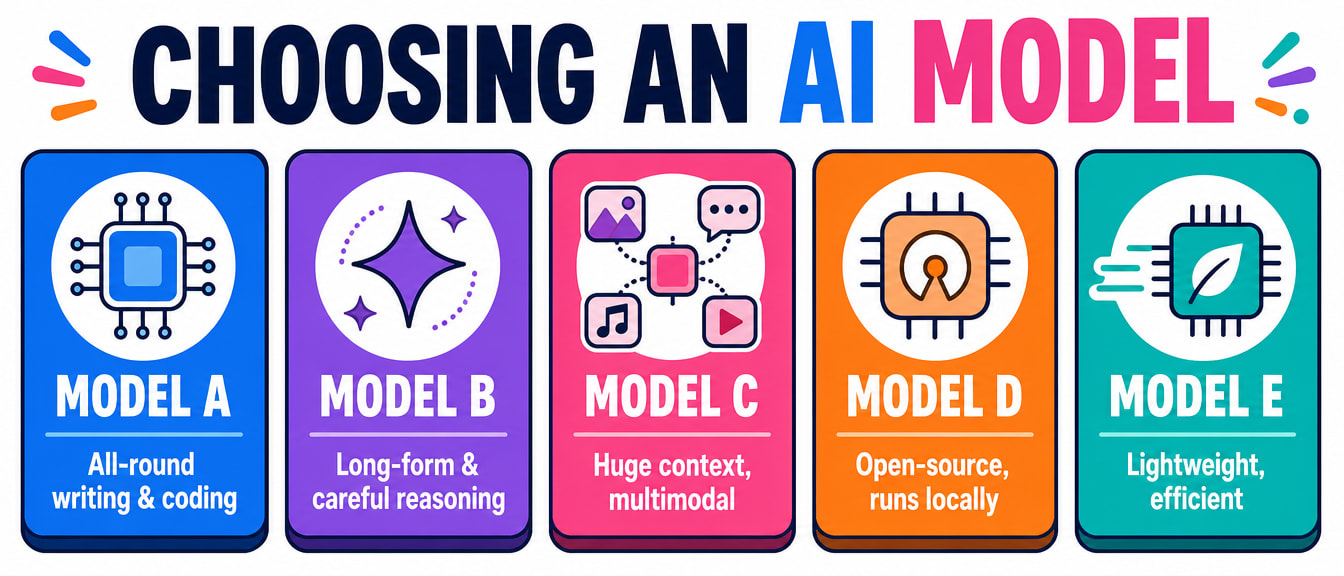
Rather than memorising specific version numbers (which change often), it's more useful to know the major players and what each is generally known for:
| Family | Made by | Generally known for |
|---|---|---|
| GPT | OpenAI | Strong all-round performance, widely integrated into other products (Microsoft Copilot, and many third-party tools) |
| Claude | Anthropic | Long-form writing, careful step-by-step reasoning, following detailed instructions closely |
| Gemini | Very large context windows, strong at combining text with images/video/audio, tightly integrated into Google Workspace | |
| Llama | Meta | Open-source — the model itself can be downloaded and run on your own hardware |
| Mistral | Mistral AI | Open-source, lightweight and efficient, good for running on modest hardware |
Specifics Go Stale Fast — Check the Source
Exact capabilities, pricing, and version numbers for every model here change every few months — check each provider's own site for what's current before making a decision based on specifics. The families and what they're generally good at is the durable part of this table.
This is one of the more important, longer-lasting distinctions to understand:
| Closed source (e.g. GPT, Claude, Gemini) | Open source (e.g. Llama, Mistral) | |
|---|---|---|
| How you use it | Through the company's app or API — the model itself stays on their servers | Download the model weights and run them on your own computer or server |
| Cost | Usually free tier + paid tier, billed by usage on paid plans | Free to download and run; you pay only for your own hardware/electricity |
| Privacy | Your data typically passes through the provider's servers | Can run fully offline — nothing leaves your machine |
| Customisation | Limited to what the provider allows | Can be fine-tuned and modified freely |
| Setup effort | Usually just sign up and go | Requires technical setup and reasonably capable hardware |
A free tool called Ollama makes running open-source models locally straightforward — download it, then pull a model like Llama with a single command, and you have a private, offline AI chatbot with no per-message cost and nothing sent to any server.
You now know how to pick a model. The next lessons put that model to work — starting with how to actually talk to it well, in the everyday productivity tools you already use.