

The same kind of AI covered in the last lesson is now built directly into the office applications most people already use every day — no separate website or account needed for the basics.
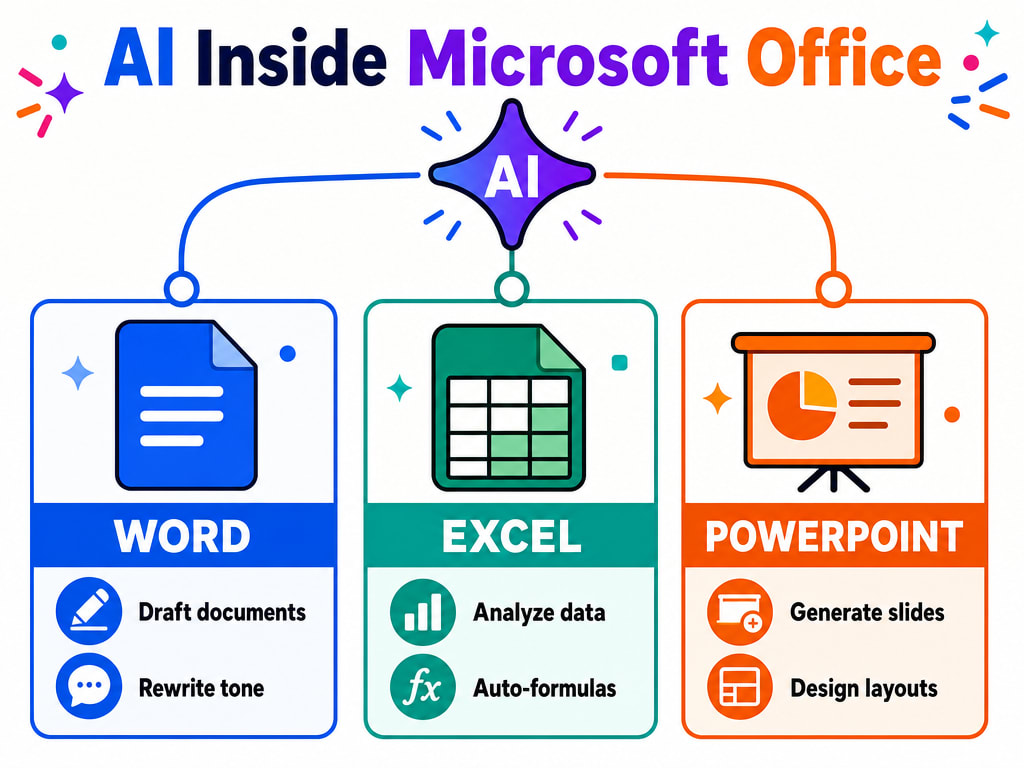
Interfaces Change — the Capabilities Are the Stable Part
Exactly which AI features are free vs. paid, and what they're called in the interface, changes over time and by region — if a feature mentioned here isn't where you expect, check your Office app's own help or update, rather than assuming it's missing entirely.
Google Workspace (Docs, Sheets, Slides) has equivalent AI features built in the same way, and dedicated note-taking apps offer similar drafting and summarising help focused specifically on notes and meetings. The pattern is the same everywhere: AI drafts a starting point, you review and finish it.
You've now covered using AI where it's already built in. The next two lessons go into the skill that makes every one of these tools work better: prompt engineering — how to actually ask for what you want.