

The next three lessons move from general AI use into how developers specifically build with it, starting with the tool most programmers touch daily: AI coding assistants.
Tools like GitHub Copilot, Cursor, and similar assistants are language models fine-tuned specifically on enormous amounts of real code — from public repositories, documentation, and programming Q&A sites. When you're writing code, the assistant reads your current file, the file name, nearby files, and your comments, then predicts what you're about to write based on that context. Suggestions typically appear as inline "ghost text" you can accept or dismiss.
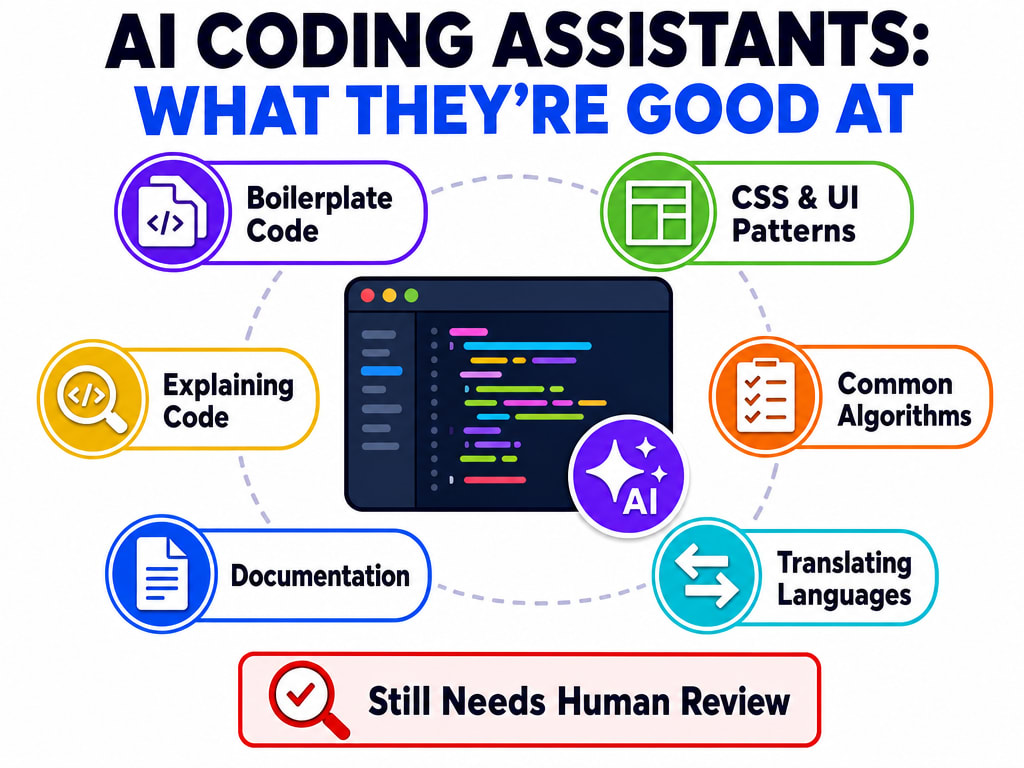
It isn't "smart" the way a person is — it's pattern-matching against similar code it saw during training. The reason this works so well in practice is that the training data covers most patterns a working developer actually needs.
Some code editors go further than inline suggestions, integrating AI throughout the whole workflow:
| Capability | What it does |
|---|---|
| Inline edit | Select existing code and describe the change in plain English — "add input validation to this function" — and get an edited version. |
| Chat with your codebase | Ask a question about the whole project, not just the open file — "find where the login function is and explain how sessions are managed." |
| Reference specific files | Point the AI at a specific file or the whole codebase in your prompt, so its suggestion accounts for code elsewhere in the project. |
Non-Negotiable Rules
Coding assistants speed up writing code. The next lesson goes further — actually building a working AI-powered feature, using a real chatbot as the example.