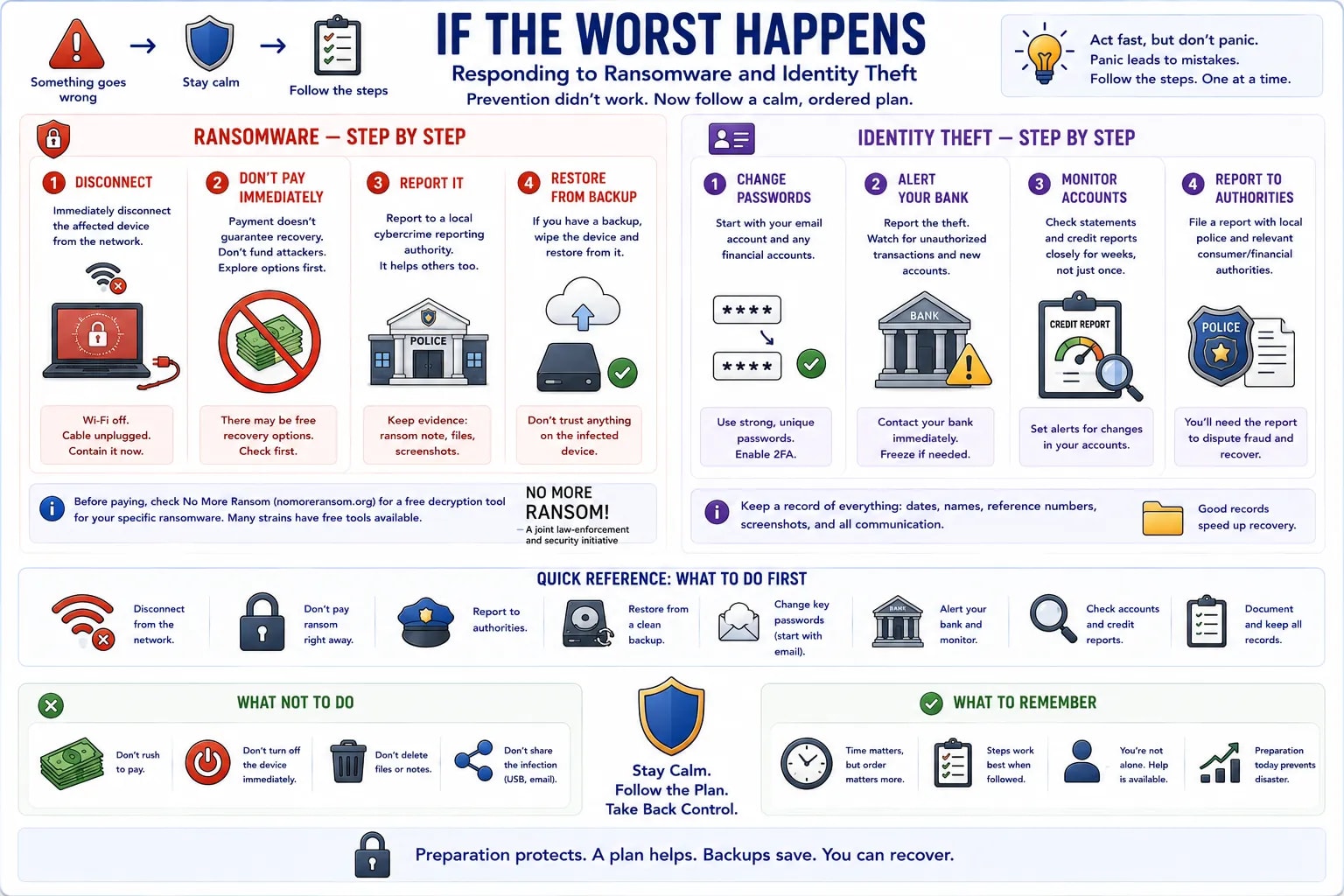
Every earlier lesson in this course is about prevention. This one assumes prevention already failed and something has actually gone wrong — a calm, ordered plan for the two worst-case scenarios covered in this course.
| Step | Action |
|---|---|
| 1. Disconnect | Immediately disconnect the affected device from the network (Wi-Fi off, cable unplugged) — this is the malware-deep-dive lesson's containment advice, and it matters most right here |
| 2. Don't pay immediately | Paying doesn't guarantee file recovery, and funds attackers directly — explore recovery options first (see below) |
| 3. Report it | Report to a local cybercrime reporting authority — this helps track attackers and may unlock official recovery resources |
| 4. Restore from backup | If a backup exists (see the backups lesson), wipe the infected device and restore from it rather than trusting anything on the compromised drive |
Before assuming payment is the only option, check the site "No More Ransom" (a joint law-enforcement/security-industry project) for a free decryption tool matching the specific ransomware strain — not every case has one, but a genuinely useful number do.
| Step | Action |
|---|---|
| 1. Change passwords | Starting with email (the account that unlocks most others) and any financial accounts |
| 2. Alert your bank | Report the theft and watch for unauthorized transactions or new accounts opened in your name |
| 3. Monitor accounts | Check statements and credit reports closely for weeks afterward, not just once |
| 4. Report to authorities | File a report with local police and any relevant financial/consumer protection authority — needed for disputing fraudulent charges |
Act fast, but don't panic
Panic leads to skipped steps and rushed decisions attackers count on — a ransom note's countdown timer, for instance, is itself a pressure tactic. Working through the steps above in order, without rushing, produces a better outcome than reacting to the panic.