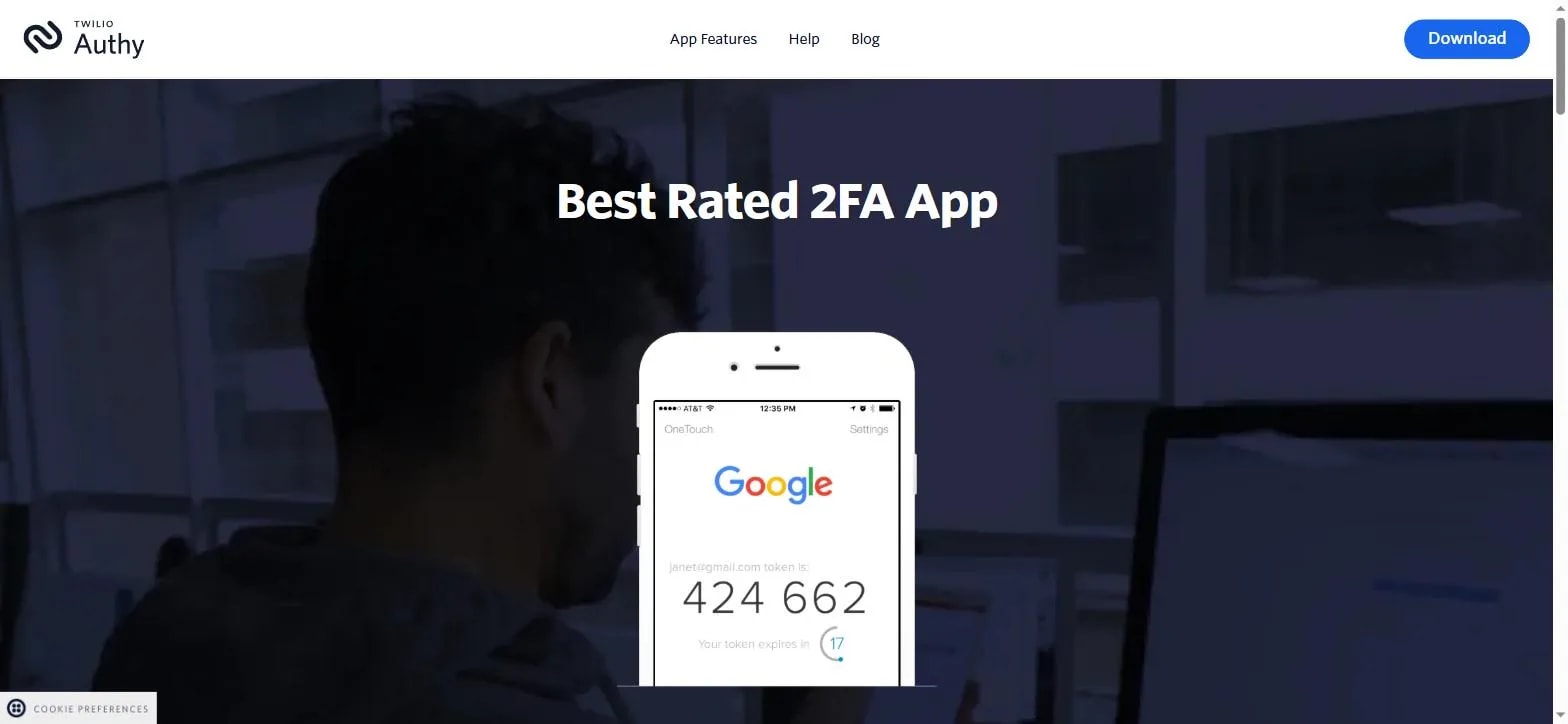
Two-factor authentication (2FA) requires a second proof of identity beyond a password — usually something a person has (a phone) in addition to something they know (the password). Its entire point: a stolen or leaked password alone is no longer enough to get in.
| Method | How it works | Security level |
|---|---|---|
| Authenticator app | A time-based code generated on the phone itself, offline (Google Authenticator, Authy, etc.) | Strongest common option |
| Hardware security key | A physical USB/NFC key plugged in or tapped to confirm | Strongest overall, less common for everyday accounts |
| SMS text code | A code sent by text message | Weakest — vulnerable to SIM-swapping |
| Email code | A code sent to a backup email | Only as strong as that email account's own security |
SMS 2FA can be bypassed through SIM swapping — an attacker convinces a mobile carrier to transfer a phone number to a SIM card they control, often using social engineering against the carrier's support staff rather than any technical hack. Once that succeeds, every SMS code meant for the real owner goes straight to the attacker instead. It's still far better than no 2FA at all, just the weakest option among the real ones.
Nearly every major service follows the same pattern: open account security settings, find "Two-Factor Authentication" or "2-Step Verification," choose an authenticator app as the method, scan the QR code it shows with the authenticator app, and enter the six-digit code it generates to confirm. The service will also offer a set of one-time backup codes at this point.
Always save the backup codes
Save the backup codes offered during setup somewhere safe and offline — a password manager's secure notes, or printed and stored physically. Losing both the phone with the authenticator app and these codes can mean permanent lockout from an account.