

You have built things — HTML pages, PHP scripts, React apps, WordPress sites. All of it, so far, has run on your own computer. This category is about the gap between "it works on my machine" and "anyone in the world can visit it" — and that gap has more pieces than most beginners expect.
Typing example.com into a browser and getting a page back involves several distinct steps, each handled by a different piece of infrastructure:
example.com into a numeric address.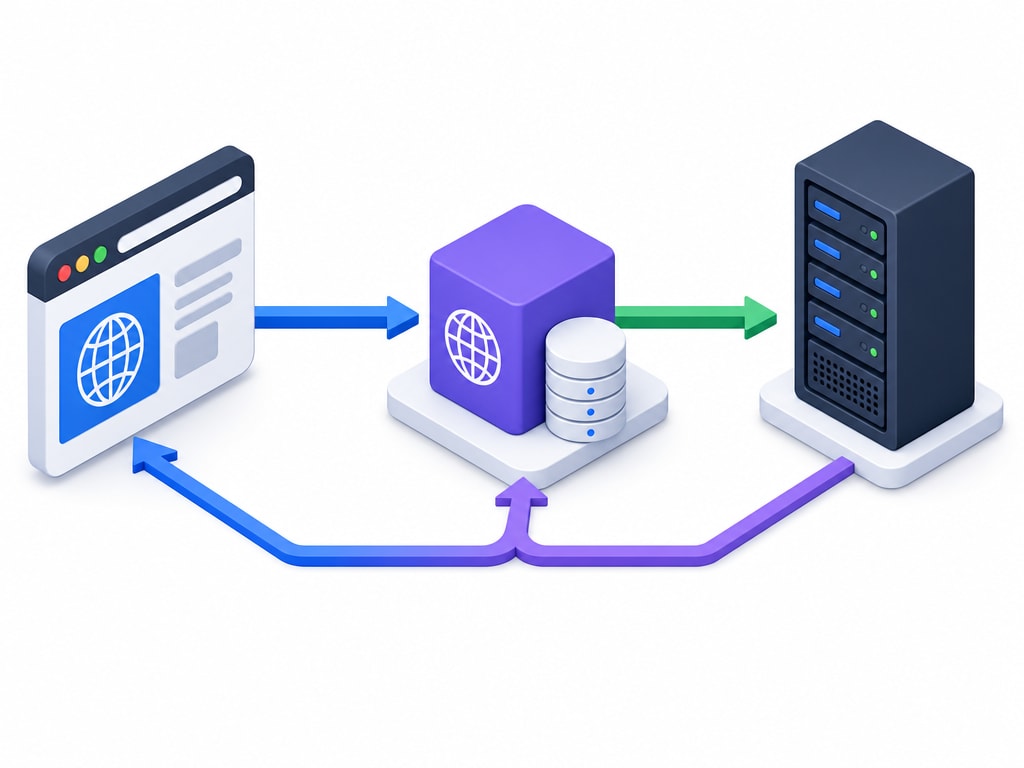
Every term in this category attaches to one link in that chain. A domain is the human-readable name. DNS is the translation step. Hosting is the always-on server. Deployment is getting your code onto that server. A CDN, covered later, sits partway along the chain to speed it up. Knowing which piece each term refers to prevents most of the confusion that follows.
A website needs to be reachable at any hour, from anywhere, by anyone. Your own laptop fails all three: it is off sometimes, it is usually behind a home network that was never set up to accept outside connections, and even when it is on, your home internet connection was not built to serve thousands of strangers at once.
Hosting solves exactly this: it is someone else's computer, built and configured specifically to stay on and stay reachable, that you rent space on.
Nothing in this category requires deep networking knowledge. It requires knowing what each piece is for, so that when something breaks — and things do break — you know which of these five steps to check first instead of guessing randomly.
The next two lessons finish the foundation: the fact that domain, hosting, and email are three separate purchases that only look bundled, and a plain list of what "going live" actually requires. After that, domains and DNS in depth, then hosting types, then the practical work of connecting and deploying, then a walkthrough for each stack you've learned on this site.