

With a domain registered and hosting chosen, connecting the two is genuinely one of two approaches, both building directly on the DNS lessons earlier in this category.
Your hosting provider gives you a set of nameservers (something like ns1.yourhost.com, ns2.yourhost.com). In your domain registrar's control panel, you replace the default nameservers with these. This hands complete DNS control over to the host — from that point on, all DNS records, not just the website-pointing ones, are managed in the hosting provider's panel rather than the registrar's.
Alternatively, keep the registrar's default nameservers and instead add the specific records the host needs directly in the registrar's DNS panel — typically an A record pointing at the host's IP address, or a CNAME pointing at an address the host gives you. This keeps DNS management with the registrar while still connecting to the host.
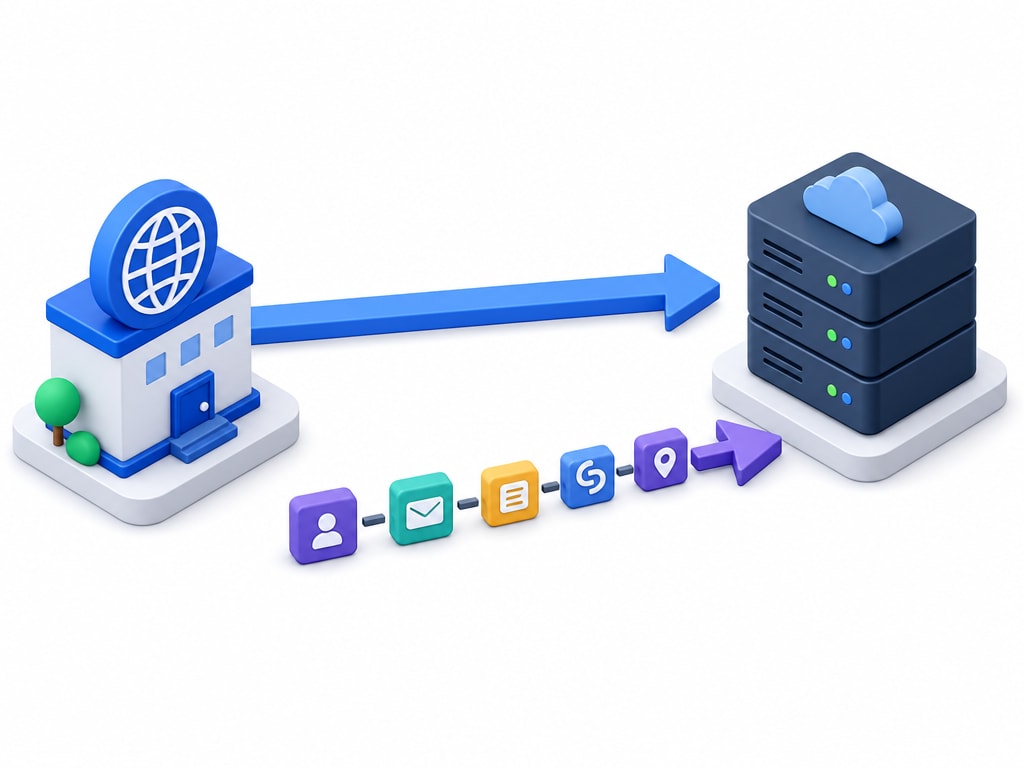
| Situation | Better approach |
|---|---|
| Hosting and domain are otherwise unrelated, simple setup | Change nameservers — simpler, the host manages everything |
| You want email through one provider and the website through another | Keep the registrar, add records — more granular control |
| A platform explicitly tells you to add one specific record (very common for cloud/managed platforms) | Follow that platform's instruction directly — usually a CNAME or a specific A record |
Most modern cloud and managed platforms (the kind covered earlier in this category) walk you through exactly which record to add when you connect a custom domain — the underlying concept is always one of these two approaches, even when the interface hides the terminology.
This is DNS propagation, mentioned in the earlier what-DNS-is lesson: the change does not appear everywhere instantly. Most people see it within minutes to a few hours; some resolvers, holding an old cached answer with a long TTL, can take up to about 48 hours. This is normal, expected, and not a sign anything went wrong.
Make DNS changes with a comfortable buffer before anything time-sensitive — a launch date, a demo, a deadline — rather than right before it. If something needs to be fixed, a same-day DNS change might not be visible to everyone in time.
Once you've made the change, a DNS lookup tool (many free ones exist online, and command-line tools like nslookup or dig work too) lets you check what a given DNS server currently reports for your domain, without waiting to see if your own browser has picked up the change yet.