

DNS stores information as records — small, typed entries, each answering a specific kind of question. A handful of types cover almost everything a typical website and its email need.
| Record | Answers | Typical use |
|---|---|---|
| A | "What IP address does this point to?" | Pointing a domain directly at a server's IPv4 address |
| AAAA | Same as A, for IPv6 | The newer, longer-format IP addresses |
| CNAME | "This name is really just an alias for another name" | Pointing a subdomain at another domain, e.g. a hosting platform's address |
| MX | "Which server handles email for this domain?" | Directing email to a mail provider, entirely separate from where the website lives |
| TXT | "Here is some arbitrary text tied to this domain" | Ownership verification, and email authentication (SPF/DKIM, covered in the email lessons) |
| NS | "These are the nameservers responsible for this domain" | Delegating a domain, or a subdomain, to a specific set of nameservers |
These two are the ones that most often confuse beginners. An A record points directly at a numeric IP address. A CNAME record points at another domain name instead, which is then looked up again — an alias pointing at an alias, potentially several layers deep, until something resolves to an actual IP.
Many hosting platforms (particularly ones with infrastructure that can change IP addresses without notice) ask you to use a CNAME rather than an A record specifically so that if their underlying IP ever changes, your DNS keeps working without you having to update anything.
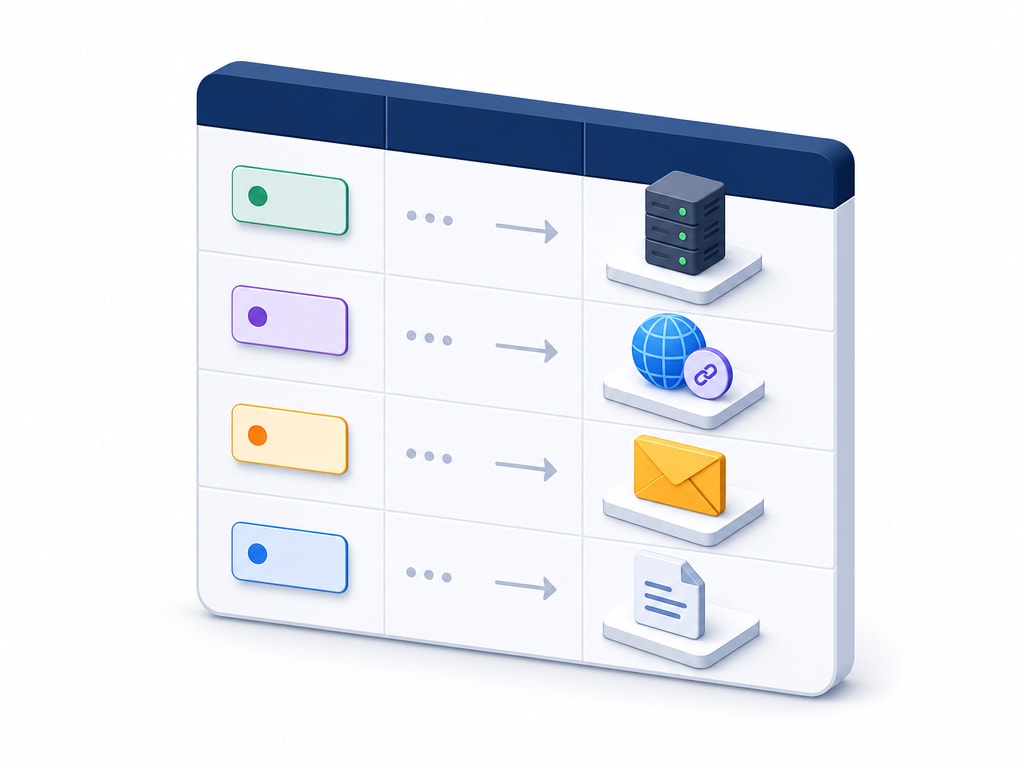
A       @              → 203.0.113.10        (the main domain → hosting)
CNAME   www            → example.com          (www redirects to the bare domain)
MX      @              → mail.example.com    (where email for this domain goes)
TXT     @              → "v=spf1 include:..." (email authentication, see the email lessons)
A       api            → 203.0.113.20        (a separate server for a backend API)
@ is the conventional way to refer to the bare domain itself, without a subdomain in front of it, in most DNS control panels.
DNS records are edited through whichever service holds your domain's nameservers — usually your registrar's control panel, or your hosting provider's, if you pointed your domain's nameservers there. Both are graphical forms in practice: a dropdown for record type, a field for the name, a field for what it points to, and a TTL setting.
A wrong DNS record does not usually announce itself with an obvious error — it just quietly makes something not work: a website that won't load, email that never arrives. When something DNS-related seems broken, checking the actual records against what they should be is almost always the fastest diagnosis, faster than guessing at the cause.