

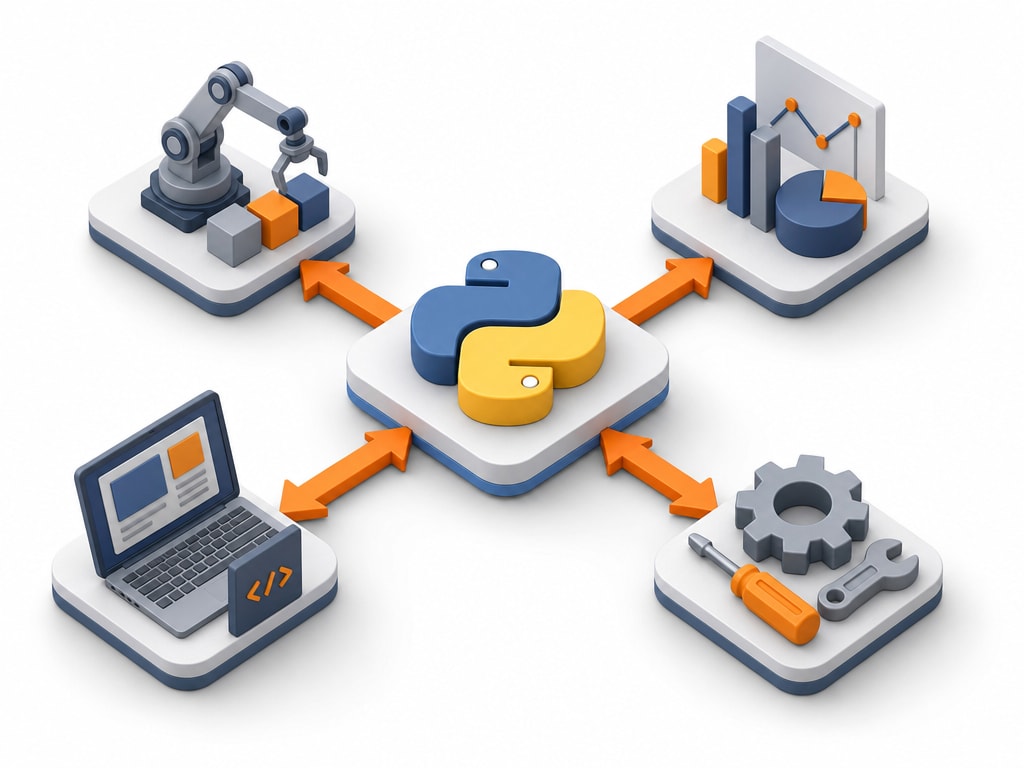
Python is a general-purpose programming language known for reading almost like plain English. It isn't tied to any one kind of task — the same language, and largely the same syntax, works whether you're automating a task, analyzing data, building a website, or training a machine learning model.
The first thing most people notice about Python's syntax: no curly braces, no semicolons. It uses indentation — the spacing at the start of a line — to mark where a block of code starts and ends. This isn't just a style choice; it's a real part of the language's syntax, and you'll look at it properly in the next lesson.
if 5 > 2:
print("Five is greater than two!")| Domain | What Python is used for there |
|---|---|
| Automation & scripting | Renaming files, scraping websites, automating repetitive tasks |
| Data & AI | Data analysis, machine learning, and most AI research code |
| Web development | Server-side web apps, typically via a framework like Django or Flask |
| General software | Command-line tools, small utilities, glue code between other systems |
This section covers the language itself — the part that's identical no matter which of these you eventually do. Frameworks and libraries for any specific domain are a natural next step once you're comfortable here, not something to learn at the same time as the fundamentals.
Python is an interpreted language — you run a .py file directly, and Python reads and executes it line by line, rather than compiling it into a separate program first. This makes the write-and-run cycle fast, which is a big part of why Python is popular for quick scripts and experimentation.
Coming from Intro to Programming
This category assumes you're already comfortable with general programming ideas — variables, loops, functions — from the Intro to Programming section. If any of that feels shaky, it's worth a detour there first; this section moves straight into Python's own syntax.
Python has an unusually explicit set of design principles, half-jokingly called "the Zen of Python." Type this into any Python prompt and it prints all nineteen of them:
import thisTwo lines from it show up constantly in real Python code and discussions: "Simple is better than complex" and "There should be one — and preferably only one — obvious way to do it." Keep an eye out for both as this section goes on; they explain a lot of Python's specific design choices.
The next lesson gets Python actually running on your machine, so every example from here on is something you can try yourself.