

This is where the earlier lesson on why PHP matters — "it can talk to a database" — actually becomes real. If you haven't looked at the Introduction to SQL lesson yet, this is the right point to do it; from here on, this section assumes you know what a table, row, and basic SELECT statement are.
PHP has more than one way to talk to a database, but PDO is the modern, recommended one — it works with several different database systems through one consistent interface, and it makes writing safe queries straightforward, which matters a lot once real user input is involved.
<?php
  $host = "localhost";
  $db   = "school";
  $user = "root";
  $pass = "";

  try {
    $pdo = new PDO("mysql:host=$host;dbname=$db;charset=utf8mb4", $user, $pass);
    $pdo->setAttribute(PDO::ATTR_ERRMODE, PDO::ERRMODE_EXCEPTION);
    echo "Connected successfully.";
  } catch (PDOException $e) {
    echo "Connection failed: " . $e->getMessage();
  }
?>
Wrapping the connection in try/catch (from the Error Handling lesson) matters here specifically — a database can be temporarily unreachable for reasons that have nothing to do with your code, and a visitor should see a clean message, not a raw connection error.
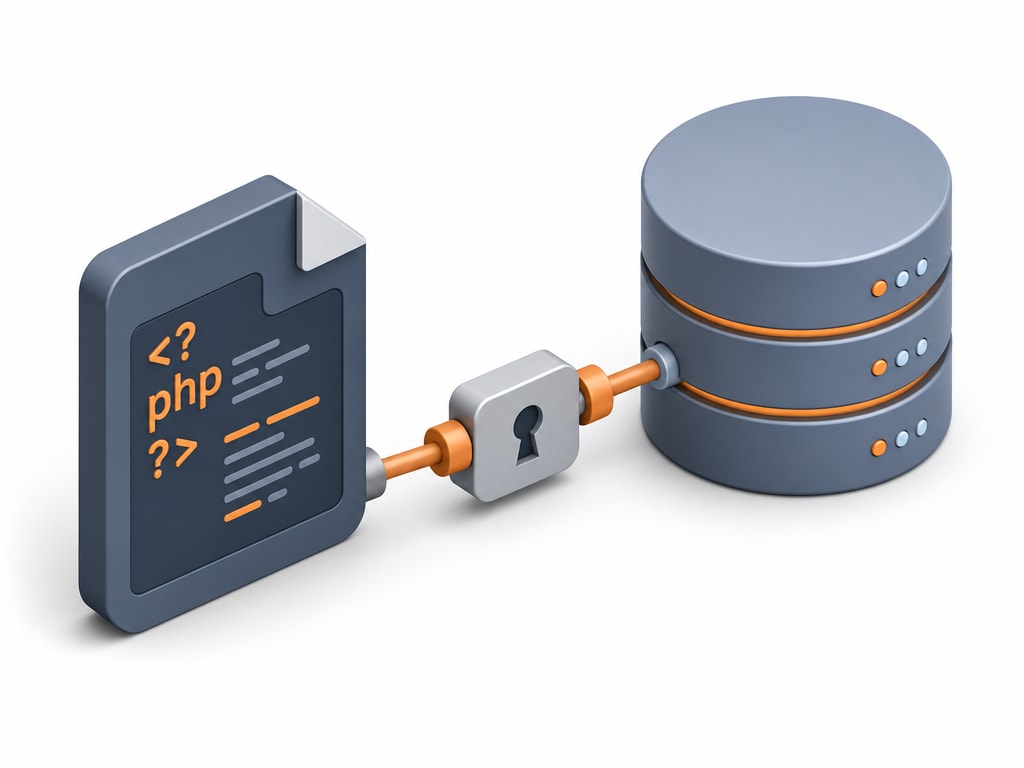
Hardcoding a database password directly in a file you might commit to version control or accidentally expose is a real, common mistake. A safer pattern is a separate config file, outside your project's public web root, pulled in with require_once (from the Includes lesson):
// config.php — kept outside the web-accessible folder
<?php
  return [
    "host" => "localhost",
    "db" => "school",
    "user" => "root",
    "pass" => "",
  ];
?>
Local learning vs. real deployment
These examples connect to a local MySQL install for learning. A real deployment almost always keeps credentials in environment variables rather than any file at all — a detail specific to hosting, not the PHP or SQL itself.